Open-source teaching instructions for large language models
Make technical ideas easier to understand.
Teach is a portable AI teaching skill that helps an LLM explain concepts, equations, notation, code, and lecture slides in plain language—with concrete worked examples.
Install Teach
For AI coding agents supported by the Agent Skills CLI, run:
npx skills add grandiser/teach-skill --skill teach --agent '*' --globalTo use Teach with another LLM, copy the contents of SKILL.md into its custom instructions, system prompt, or saved prompt. This works with any LLM that accepts custom instructions; no special slash command or runtime is required.
How does Teach help an LLM explain a topic?
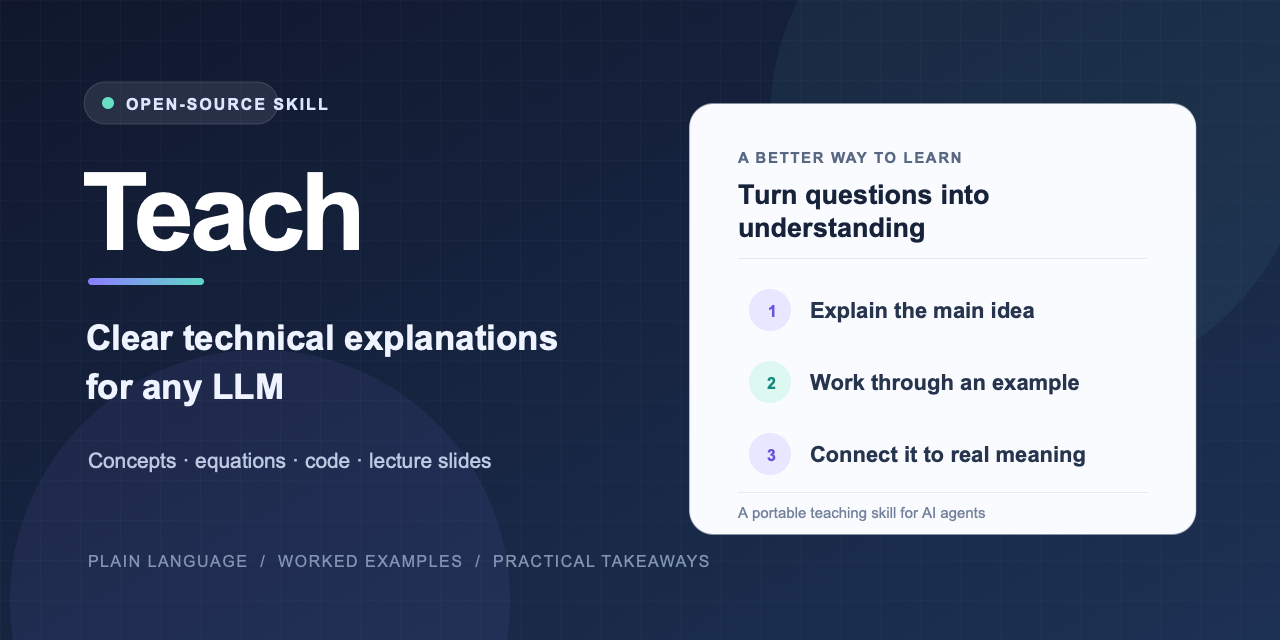
Teach guides the model to state the main idea, define unfamiliar terms or notation, work through a small example, and connect the result to its practical meaning. It adapts the depth to the question, so a focused question gets a focused answer.
Here is an example prompt: Explain how LLM inference works.
These are the unedited responses returned by two separate subagents asked that question. Teach was supplied to the second subagent.
Without Teach
LLM inference is when a trained language model generates text in response to a prompt. It breaks the prompt into tokens, processes them, and predicts which token should come next. It adds that token and repeats the prediction until it reaches a stopping point. Then it converts the tokens into readable text.
With Teach
LLM inference is how a trained language model turns a prompt into a response. It generates the response one token at a time.
A token is a small piece of text. For example, “inference” might be one token or several. The model first splits the prompt into tokens, then processes them to estimate which token should come next.
Suppose the prompt is: “A dog says”. The model might assign high scores to “woof” and “hello,” and lower scores to “airplane.” A decoding rule chooses one of the likely tokens. If it chooses “woof,” the model adds that token to the prompt and predicts the next one. It repeats this process until it reaches a stopping point.
The model’s predictions come from patterns it learned during training. During inference, it uses those learned patterns; it does not update its training from the prompt.
In short: inference is a repeating loop: read the text so far, choose the next token, and add it to the response.
The wording varies from run to run; this example preserves the actual output from that run.
What can Teach explain?
- Technical concepts and algorithms
- Equations, symbols, and notation
- Code and technical passages
- Lecture slides, images, and excerpts
Frequently asked questions
Is Teach tied to one AI model?
No. The Markdown instructions are model-agnostic. Use the CLI with a supported agent or paste the instructions into any LLM that accepts them.
Does installing Teach add a universal /teach command?
No. Some agents may provide their own way to invoke installed skills. Teach also works when instructions are preloaded: just ask a normal question.
Does Teach need dependencies or an API key?
No. It is a Markdown instruction file and needs no runtime, package dependencies, or API key.
How is the project licensed?
Teach is available under the MIT License. Read the full license.